Docs
Accessing Application Keys
Each application is automatically assigned one or more API keys (credentials). These are required when making API requests.
- Open Application Details
- Go to Applications.
- Click the application name you just created.
- View API Keys
On the details page, you will see a section for API Keys (sometimes called Consumer Key / Secret or Client ID / Secret).
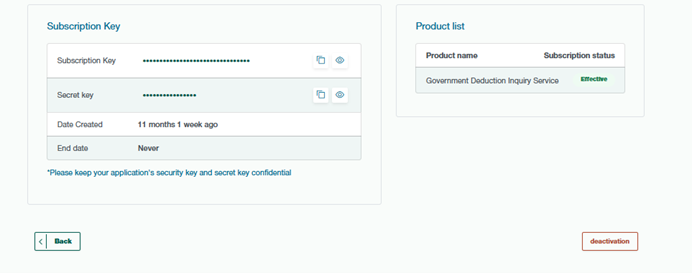
Copy Your Keys
Copy the key(s) and use them in your API requests.
Example
GET /v1/resource
Host: api.example.com
Authorization: Bearer <your_api_key>